 Studix
✏️
Note-taking app with handwriting
Write like in a document with headings, tables, formulas and images – or draw with Apple Pencil. Everything saves automatically.
Studix helps you learn faster and with less stress: take notes and draw, turn them into flashcards and quizzes, keep your study plan in view and let Studix AI explain anything. On iPad, phone and PC – even offline.
Free forever · No credit card needed · Data stored in the EU
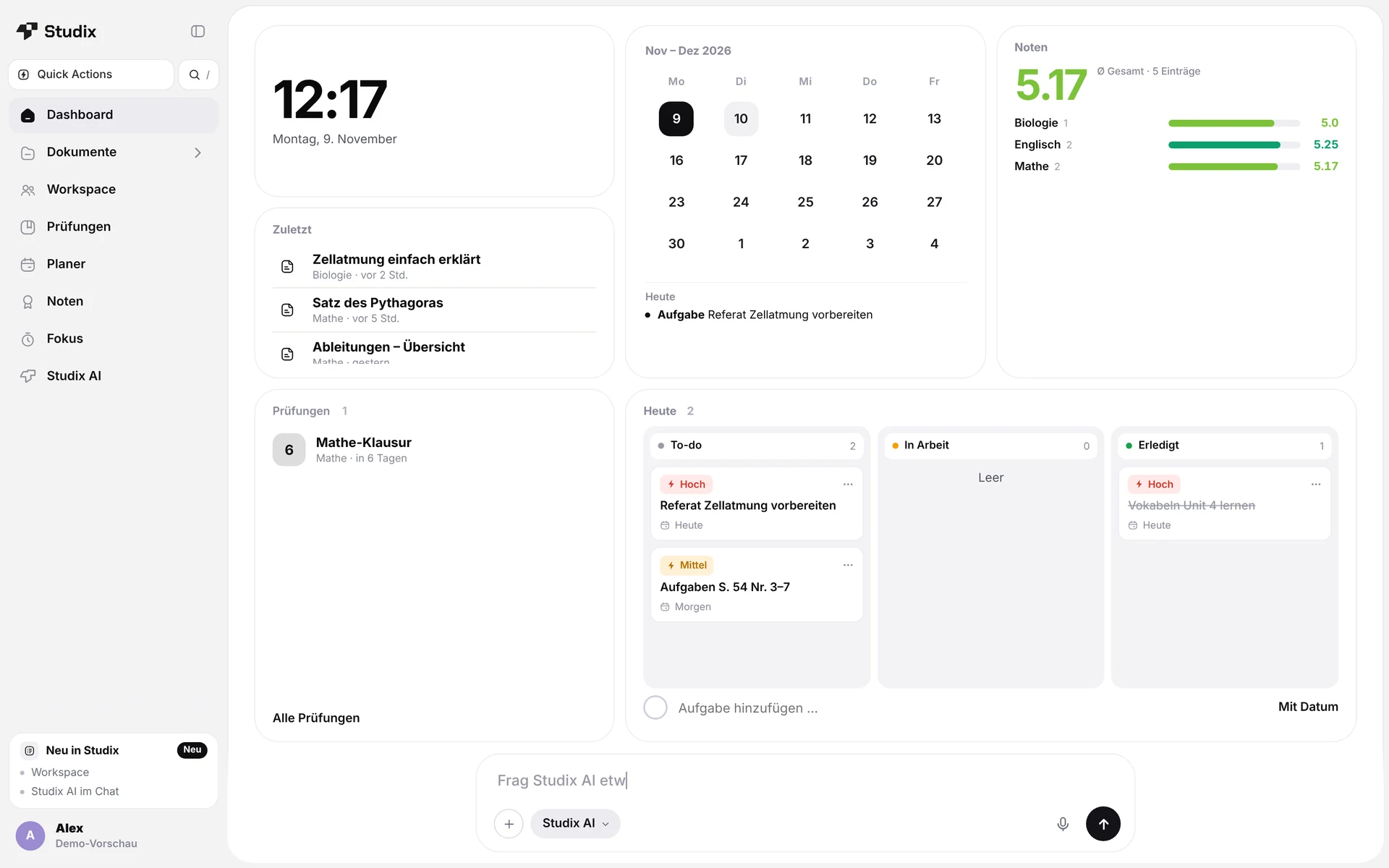
Instead of five different apps for notes, flashcards, timetable and tutoring, Studix gives you one study workspace.
Write like in a document with headings, tables, formulas and images – or draw with Apple Pencil. Everything saves automatically.
Studix reviews each card right before you would forget it. Turn any note into flashcards in one click.
Test yourself before the exam – Studix creates quiz questions straight from your own material.
Timetable, homework, exams and deadlines in one calendar – with reminders before every deadline.
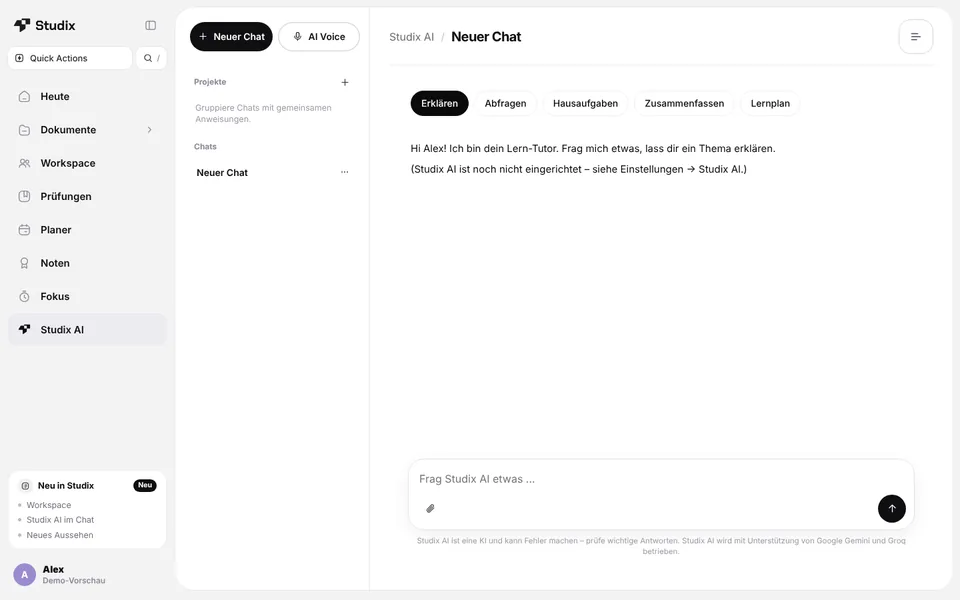
Get topics explained, summarise your notes and get quizzed – around the clock, based on your own documents.
Take a realistic practice exam under time pressure – Studix AI grades every answer with points, feedback and an estimated grade (Pro).
Studix spreads your learning goals across the days before your exam – with reviews and a final mock test (Essential & Pro).
Grade tracker for school (1–6, points, percent) and university, plus a focus timer for deep study sessions.
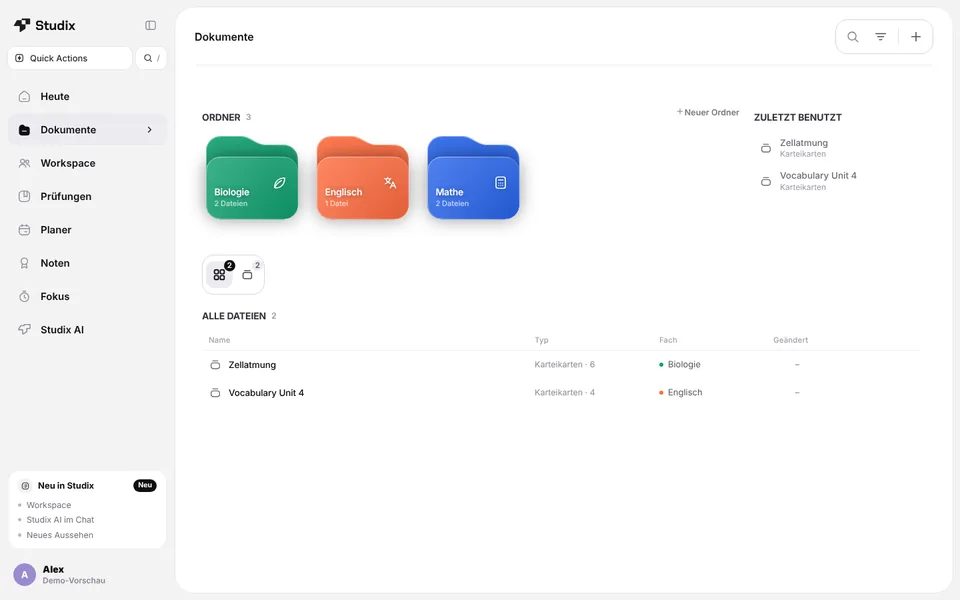
Lecture notes, sketches, PDFs and whiteboards – organised by subject or module.
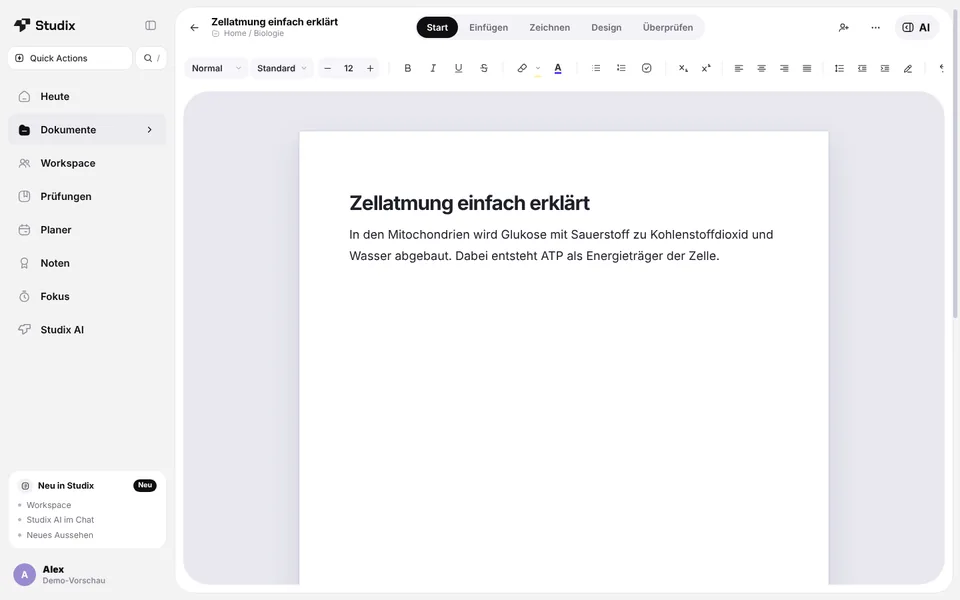
Learn effectively with proven spaced repetition.
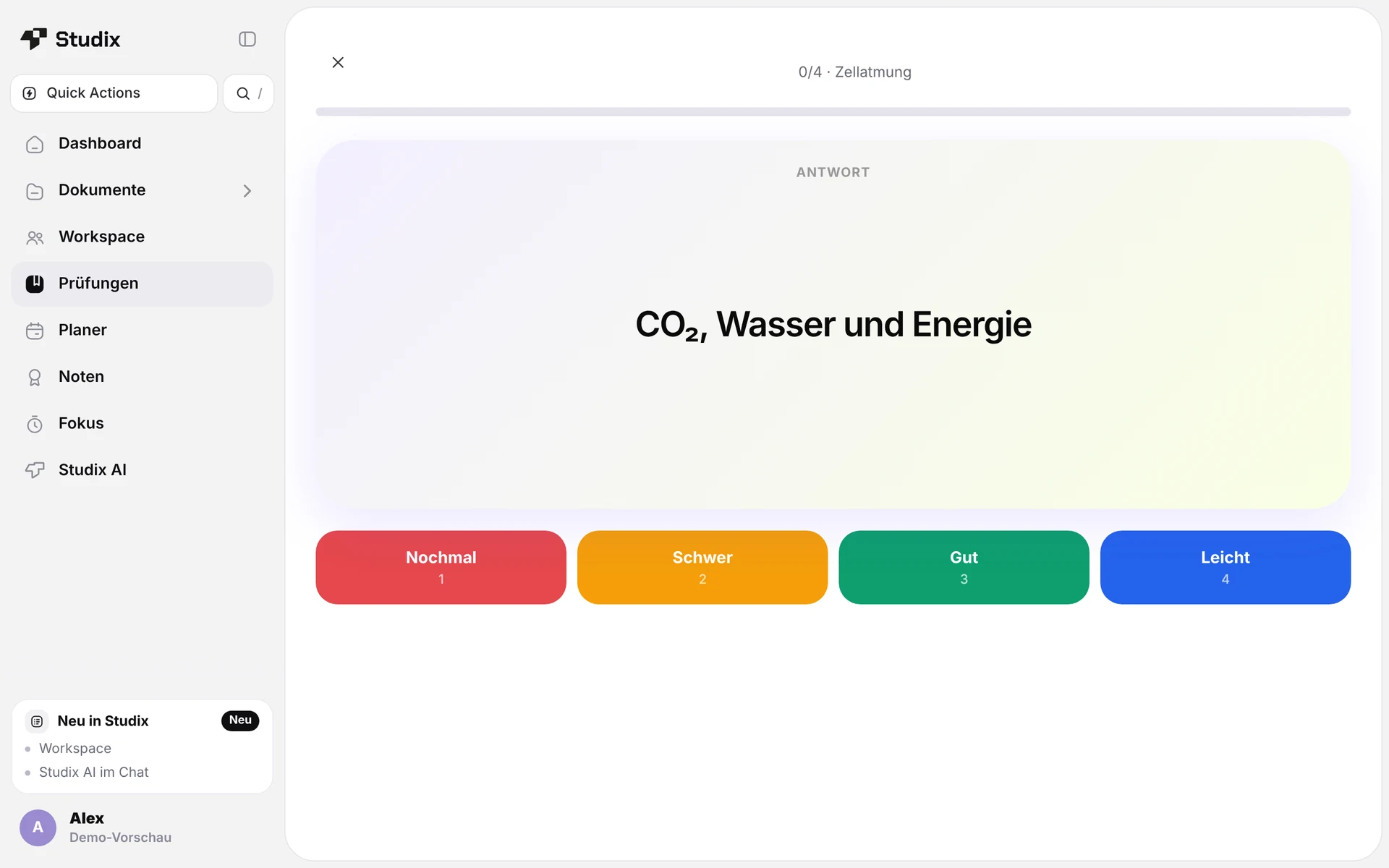
Your study planner spreads the material across your week.
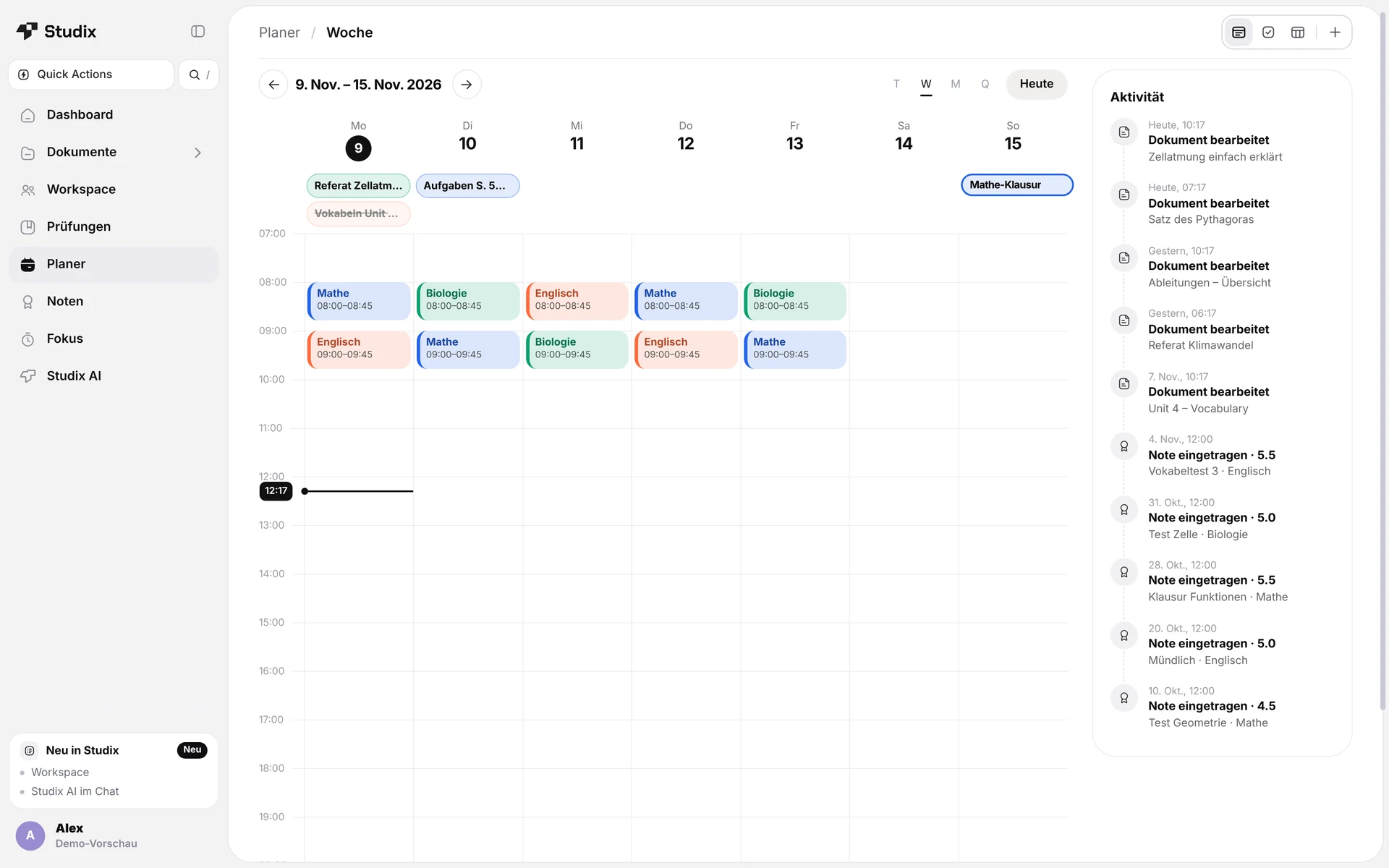
Studix AI helps you understand – not just copy.
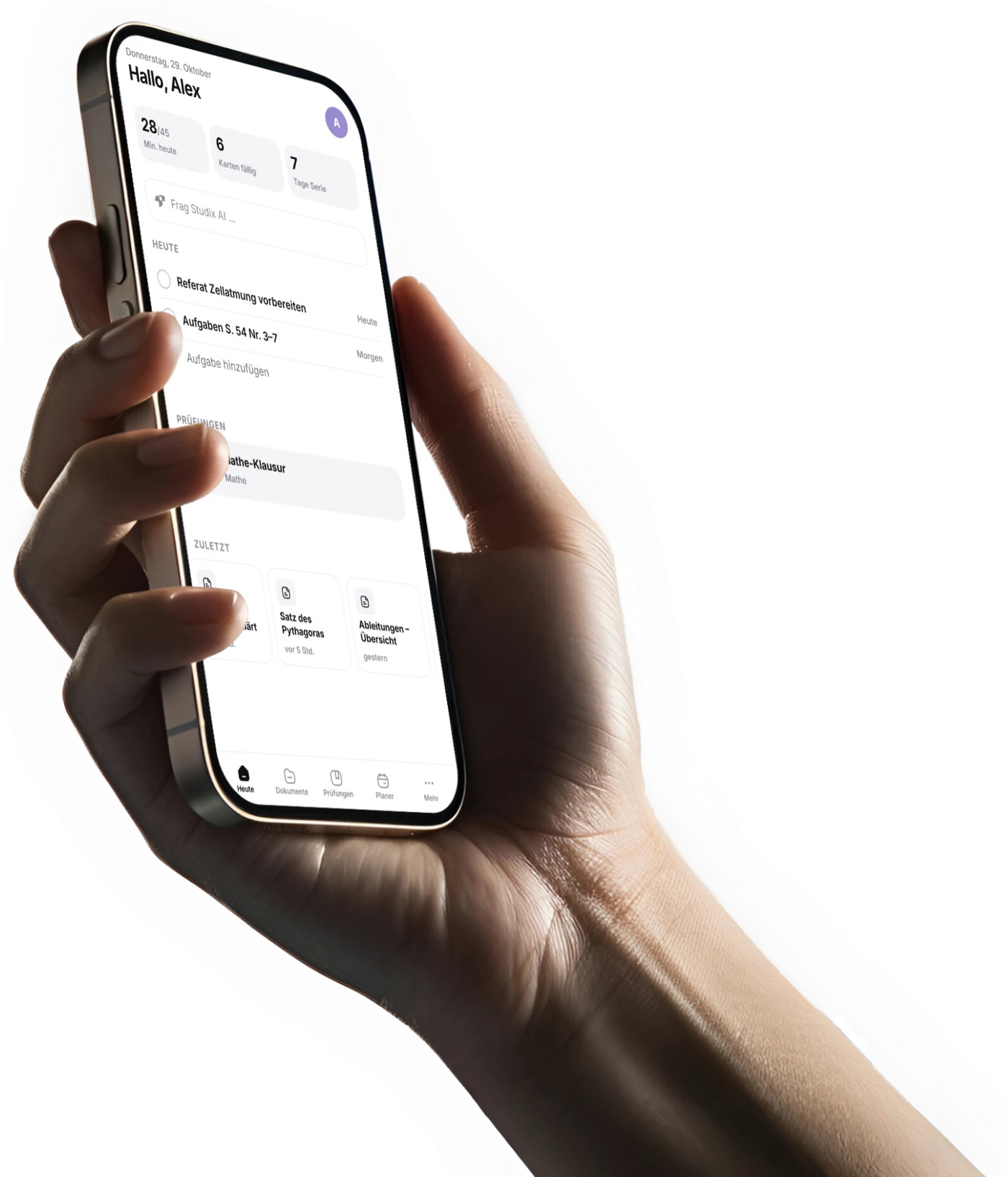
Studix runs in the browser and installs like an app – your notes and flashcards are the same on every device.
All core features are free – upgrade only if you want more Studix AI and unlimited documents.
$0
Free forever
$3.99 / month
or $20 / year
$6.99 / month
or $40 / year – about 52% cheaper
Prices in your country’s currency (US dollars, euros or Swiss francs), VAT included – calculated automatically at checkout. Pay by card, Apple Pay, Google Pay or Link. The Studix AI allowance is not a guaranteed service; see the terms.
Yes. Notes, flashcards, quizzes, planner, grades and the focus timer are free forever. Studix AI has a weekly limit: 12,500 tokens on the free plan, 60,000 with Studix Essential and 120,000 with Studix Study Pro.
Studix is free to start. Studix Essential costs $3.99 per month or $20 per year; Studix Study Pro costs $6.99 per month or $40 per year and can be tested free for 14 days. You pay in your country’s currency: euros in the eurozone, Swiss francs in Switzerland and Liechtenstein, otherwise US dollars. VAT included, cancel any time.
Locally on your device – Studix also works offline. With an account, notes, tasks and flashcards are transferred encrypted and stored in Frankfurt am Main (EU). You can export a backup at any time.
Yes. At the start you choose school or university; grading systems (1–6, points, percent) and subjects or modules adapt. It also works for vocational training and self-study.
Yes. Choose “Add to Home Screen” on iPad/iPhone or “Install” in Chrome/Edge. Studix runs on iPad, phone, PC and Mac.
Any time in the app under Settings → “Studix Study Pro”. There is no minimum term.
Create your free account and start in less than a minute – in your browser, no download needed.
Start Studix for free